DocFila
The all-in-one document workspace.
Open, edit, sign and share PDFs, Word files, spreadsheets, presentations and scans in one place. One account on the web, desktop and phone.
Free plan, no card needed.
Works on
- Web
- iOS
- Android
- macOS
- Windows
- Linux
From the first scan to the delivered copy.
Capture
Scan paper or upload a file. The original stays intact.
ScannerUnderstand
Get the summary, the dates and the obligations, checked against the source.
Document AIFinish
Edit, fill, convert and collect signatures where you opened it.
PDF editorDeliver
Send up to 5 GB with a password, an expiry date and download tracking.
DocTransfer
AI that reads the document, then helps you act on it.
Turn a dense file into a clear brief. Ask questions, find dates and obligations, draft the reply, and check every answer against the page it came from.
From a project memo to the next actions.
Summary
This memo updates Project Meridian's budget, schedule, and tasks.
Suggested action items
- A. Okonkwo: Countersign the Halden contract.
- R. Silva: Publish the revised migration plan.
Read the original sample memo
INTERNAL MEMO - Project Meridian
Date: 14 November 2026
Prepared by: A. Okonkwo, Operations Lead
1. Budget status
The approved budget for Project Meridian is EUR 48,500.
As of this memo, EUR 31,200 has been committed.
2. Schedule
Phase two completes on 3 December 2026.
The vendor contract with Halden Systems remains UNSIGNED.
3. Action items
- A. Okonkwo to countersign the Halden contract by 20 November 2026.
- R. Silva to publish the revised migration plan.
No headcount changes are proposed in this memo.One account. Every tool your paperwork needs.
Each product does one job well, and hands its work to the next.
Documents
AI and automation
Collect and decide
Send and share
Create
Business
Ask, collect and decide. Nobody needs an account to answer.
Build a form the way you write a document, run a live poll in a meeting, or share a booking link that collects the paperwork first.
- Forms: classic or one question at a time, with logic, quizzes and signature fields.
- Polls: multiple choice, word clouds, rating scales, Q&A and date polls, shown live.
- Schedule: booking links that ask for the documents a meeting needs.

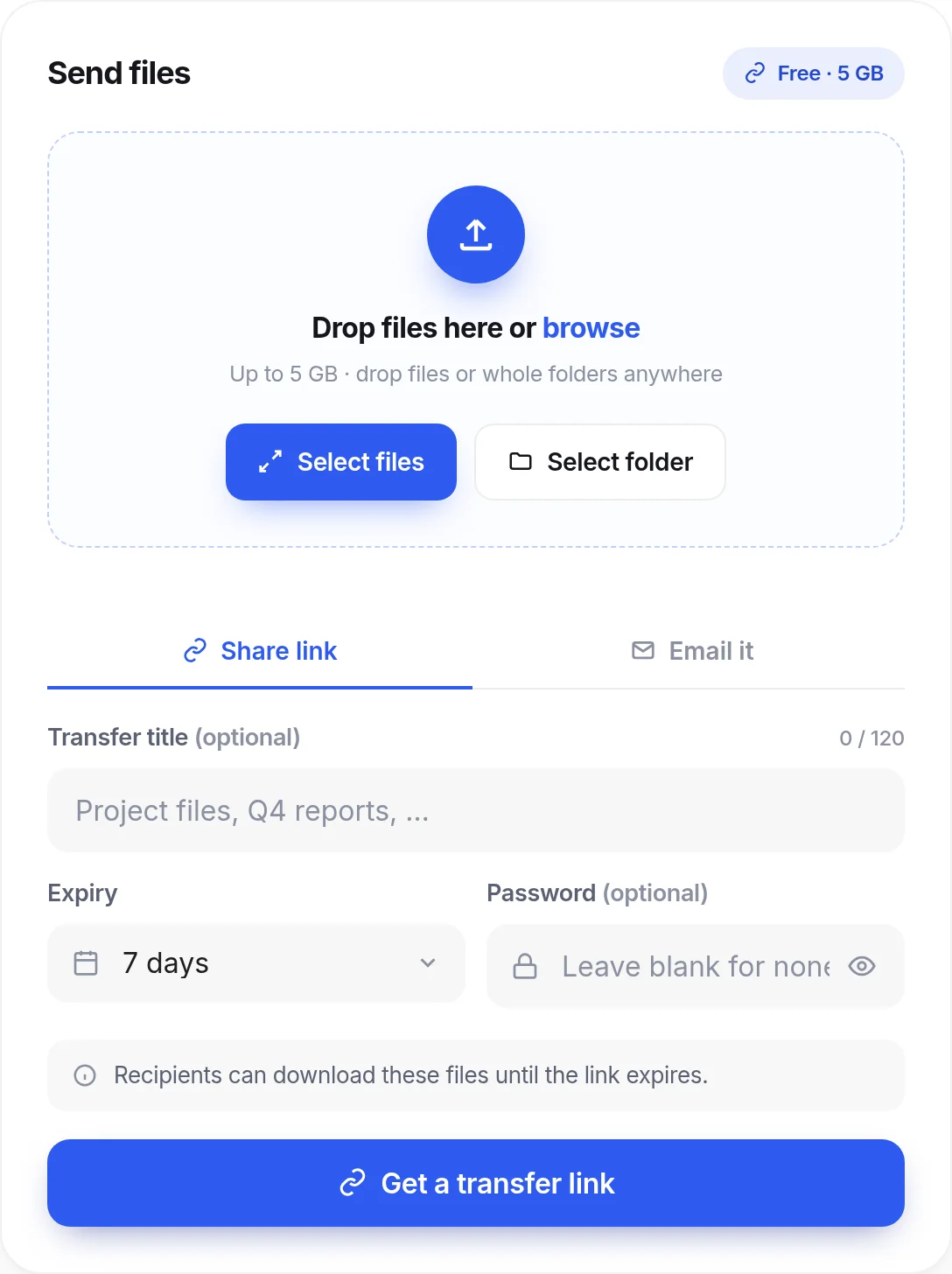
Send 5 GB to anyone. No account on either side.
Drop the files, get a secure link, set a password and an expiry date, and see when they are downloaded. Then bring the files into DocFila to sign, file or review them.
Find anything on your Mac.
Type a word you remember. DocFila finds it inside PDFs, Word files, spreadsheets, notes and photographed receipts while you type. Then open the file and ask DocAgent about it.
- Inside the file: search the words in a document, not just its name.
- Photos and scans: macOS reads the text in images, on your Mac.
- On your Mac: the search index stays on your computer. DocAgent answers online and shows what it sends.
DocFila on your desktop.
The full workspace as a native app. Open PDFs straight from your file manager, read and annotate in the DocFila Reader, sign and redact, then pick up on your phone with the same account.
DocFila for macOS
Apple silicon and Intel. Signed with an Apple Developer ID and notarized by Apple.
Download for MacDocFila for Windows
64-bit installer, signed. Installs for your user only, no administrator rights.
Download for WindowsInstall steps and SHA-256 checksums are on the desktop download page.
Start free. Upgrade when the work asks for it.
Monthly or yearly, on the web, desktop and mobile.
Free
$0
No card required
- Scan, view, organize and share documents
- 3 AI credits a month and 1 GB of storage
- DocTransfer up to 5 GB, no account needed
- Web, iOS, Android and desktop apps
Premium
$9.99 / month
or $99.99 / year. Save 16% yearly.
- 100 AI credits a month
- 10 GB of storage
- Premium tools without the free-use limit
Pro
$19.99 / month
or $199.99 / year
- Everything in Premium
- Unlimited AI credits
- 100 GB of storage
Prices in USD. Billed through Stripe on the web and desktop, and through the App Store or Google Play on mobile, where store prices can vary by region.
Your documents, handled with care.
- Encrypted in transit and at rest
- Files are protected on the way to DocFila and while they are stored.
- Originals preserved
- Edits, redactions and signatures produce a new copy. Your original stays as it was.
- AI data flows in the open
- What leaves your device for AI, and where it goes, is published.
- Leave whenever you want
- Export your documents and delete your account from the app or the web.
Questions people ask
What is DocFila?
Is DocFila free?
Which devices does it work on?
Which files can I open?
Does DocFila train AI on my documents?
Are DocFila e-signatures legally binding?
Do the people I send things to need an account?
Can I cancel anytime?
Start with the document on your desk.
Free to start, no card required.