 DocFila
Send a contract or proposal for signature. Your client needs no account.
For solo consultants and small agencies: upload the PDF, place the fields, email a secure link. You get the signed PDF back.
No card. The Free plan sends 3 documents for signature a month; signing a document yourself is free on every plan.
Three jobs, one account
From the contract to the signature to the invoice, in the app on your phone, on your computer and on the web.
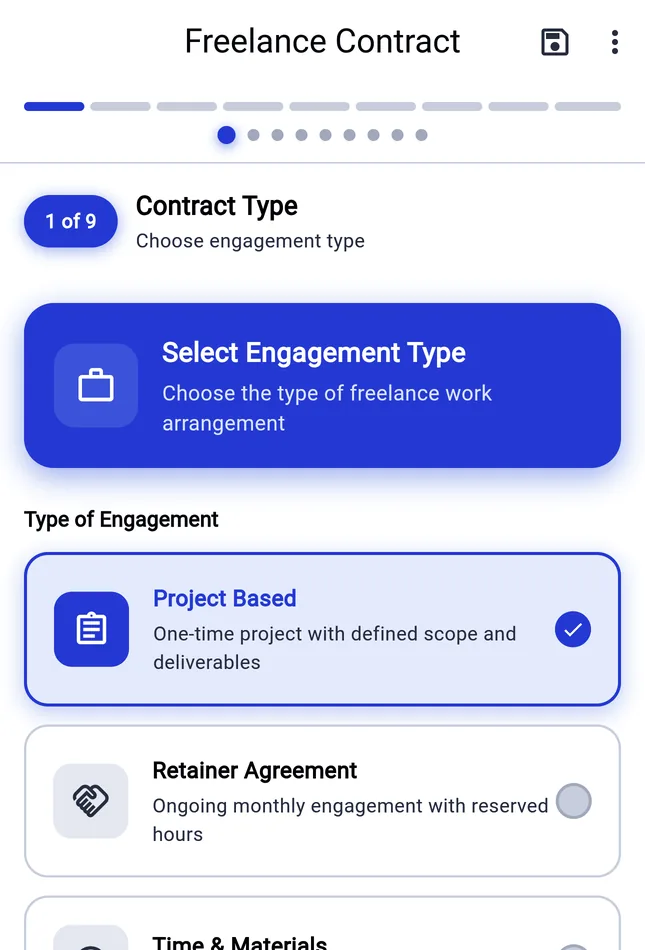
Write the contract from a template
The Freelance Contract builder takes you to a finished PDF in nine steps; there are builders for an NDA and a rental agreement too. Or upload the statement of work you already use.
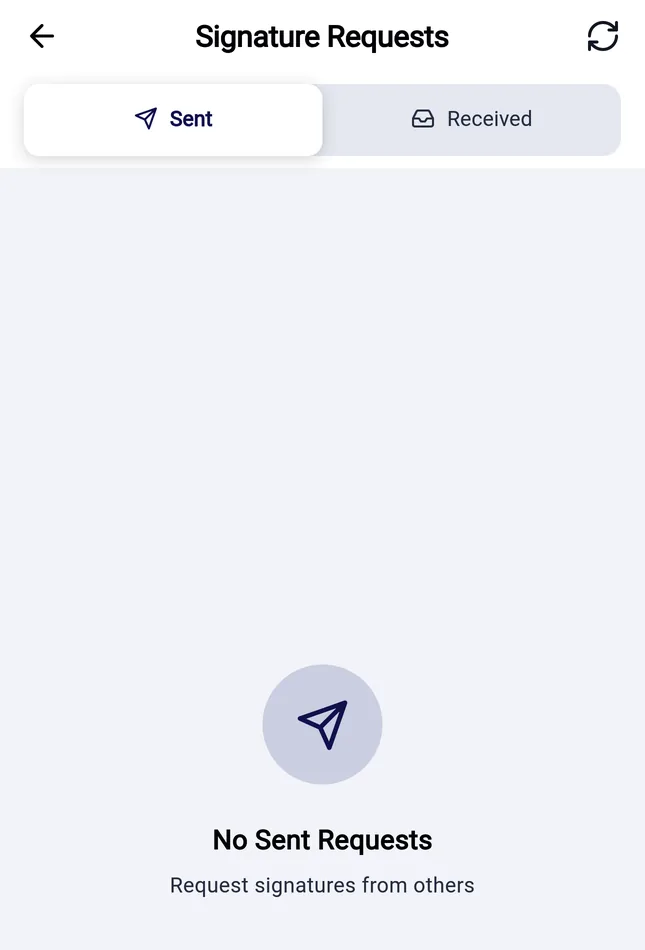
Send it and see where it stands
Upload the contract or proposal, place the fields, add the signer and send. The Sent tab lists every request, and you can send a reminder.
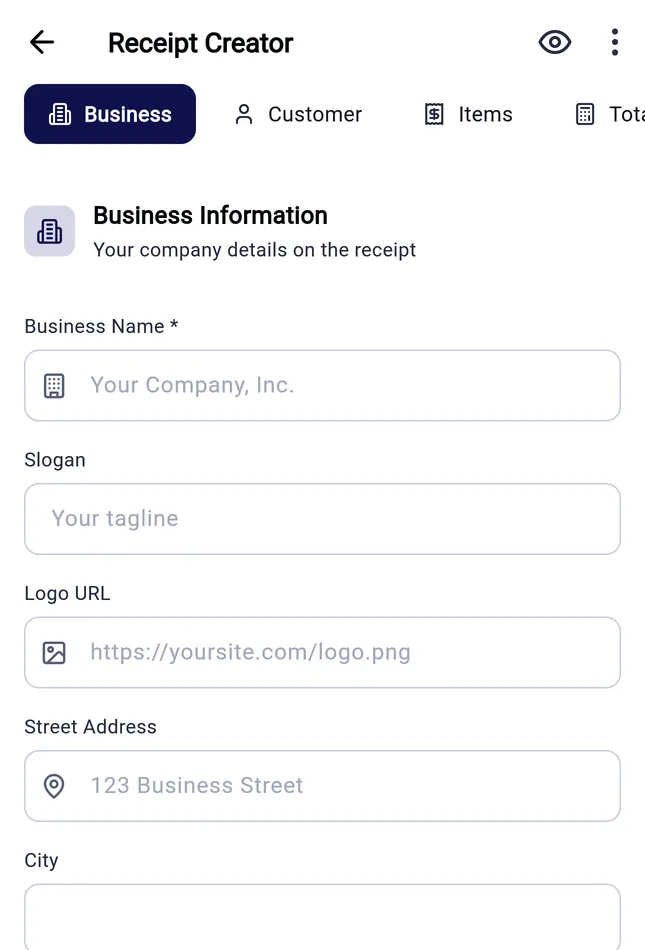
Then send the invoice
The Receipt Creator writes the invoice or receipt with your business and client details and line items, and exports a PDF.
How a signature request works
Upload
Add the contract or proposal as a PDF, or build one from a template.
Prepare
Place the signature fields and enter each signer's name and email. Several signers can sign in order, up to 20.
Send
DocFila emails a link. Your client confirms with a code sent to their email and signs in the browser.
Get it back
The signed PDF with a seal and a certificate of the events, by email and in DocFila.
What your client sees
- No account, no app
- They open the link from the email in a browser, on a phone or a computer.
- A code by email
- They confirm with a one-time code sent to their address. You can also require an access code that you give them separately.
- Read, then agree
- Before signing they read the electronic-signature disclosure and agree to it.
- They can decline
- If they decline, you get an email.
- Free for them
- Signing costs the signer nothing.
What this signature is, and where it is not enough
What it is
- An electronic signature under the US ESIGN Act and UETA, and a simple electronic signature (SES) under the EU eIDAS Regulation. Not an advanced or qualified signature.
- The PDF carries a seal that shows later changes. The certificate shows what happened when, and which email address confirmed the code. It does not verify a person's legal identity.
- Most statements of work, proposals and service agreements between businesses need no particular form.
Where it is not enough
- Documents the law requires on paper, witnessed or notarized, such as deeds that need a witness, wills and many property transfers.
- Documents that need an advanced or qualified electronic signature.
- A counterparty that requires a particular signature provider or level.
General information, not legal advice. Check what your contract and your country require.
Prices
From the same price catalogue that runs the app and the checkout.
Free
$0 a month
- 3 signature requests a month
- 30 AI credits a month
- 1 GB storage
Starter
$4.99 a month
- No monthly signature limit
- 150 AI credits a month
- 5 GB storage
Pro
$9.99 a month
- No monthly signature limit
- 400 AI credits a month
- 10 GB storage
Premium
$19.99 a month
- No monthly signature limit
- 800 AI credits a month
- 100 GB storage
Yearly: Starter $49.99, Pro $99.99, Premium $199.99 (save 16%). Business for teams: $24.99 per seat a month, from 2 seats. Signing a document yourself is free on every plan, and your client pays nothing. Every plan has an abuse limit of 200 invitations a day. There is no free trial: the Free plan is the way to try DocFila. Web prices are in US dollars; the app stores show their own local price. All plans and prices.
Who is behind it
- Company
- NotaNovice UG (haftungsbeschränkt), 58256 Ennepetal, Germany, HRB 13806, Amtsgericht Hagen. Legal notice
- Where data lives
- Uploaded files are stored in the EU multi-region. Metadata, the search index and server processing are in the US. Security
- AI
- AI features run through DocFila's servers. Sending a signature request does not need AI. AI data handling
Questions
Does my client need a DocFila account?
No. They open the link from the email, confirm with a one-time code and sign in a browser, without an account or an app.
What does sending cost?
The Free plan sends 3 documents for signature a month. Starter ($4.99 a month) and every plan above it have no monthly limit. Signing a document yourself is free on every plan.
Is the signature legally binding?
It is an electronic signature under the US ESIGN Act and UETA and a simple electronic signature under the EU eIDAS Regulation. Whether that is enough depends on the document and the law that applies to it. General information, not legal advice.
Can my client and my partner sign in order?
Yes, up to 20 signers. DocFila emails each one when it is their turn.
Can I send from my phone?
Yes. Send from the iPhone or Android app or the web. Your client signs in a browser on any device.
Read next
Send your next contract today.
No card. The Free plan sends 3 documents for signature a month; signing a document yourself is free on every plan.