 DocFila
Send files without making an account.
Nobody has to sign up: not you when you send, not the person who receives. Add the files, share the link, done.
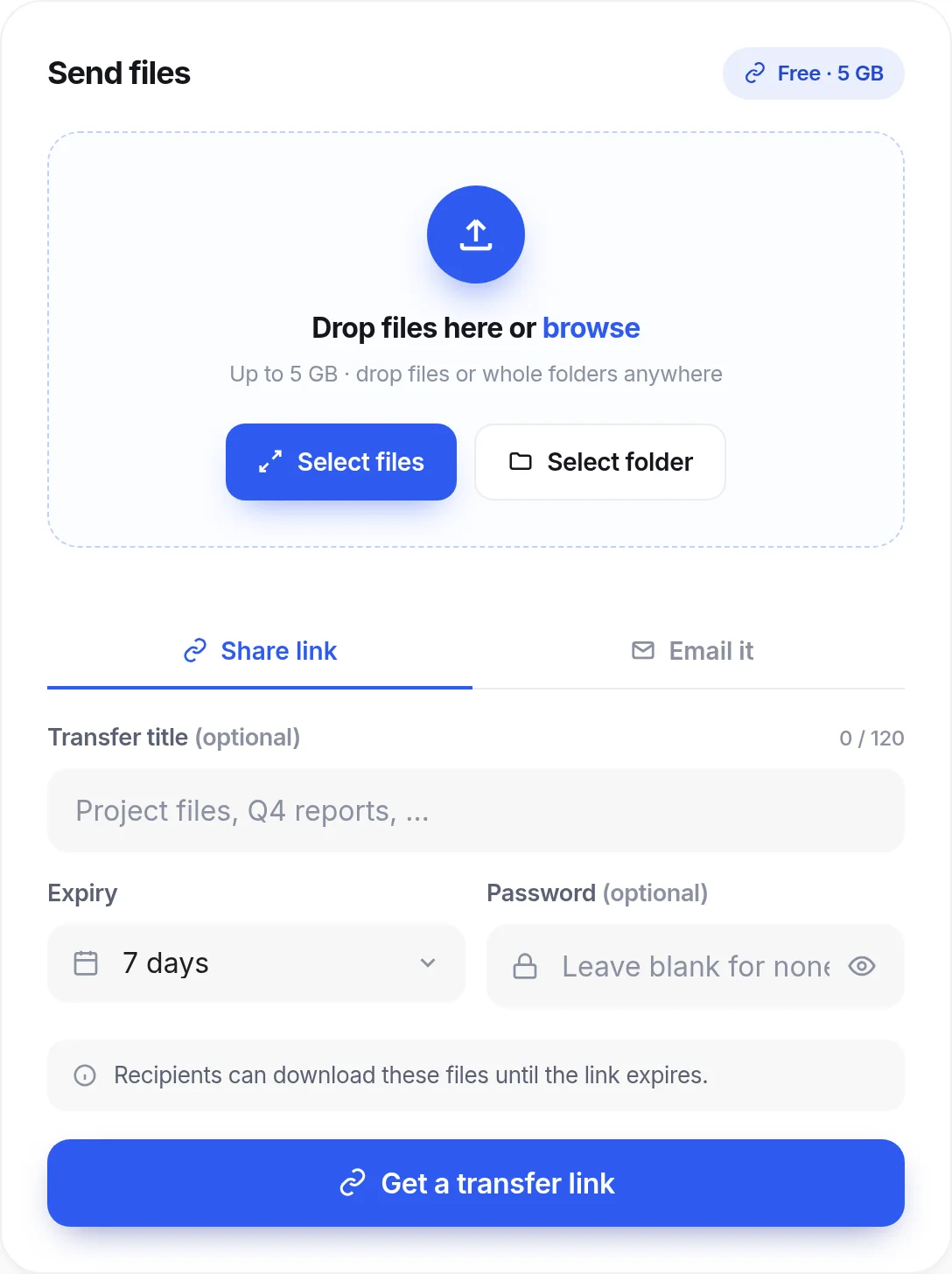
Nothing to set up on either side.
- You: no signup. transfer.docfila.com opens straight onto the send panel. There is no sign-in step before you can add files.
- Them: a link. The person you send to opens the link and downloads. They never need a DocFila account.
- A password when it matters. Add a password for files that should not be open to anyone who finds the link.
- Links that end. Pick an expiry from one day up to 7 days without an account (a free account allows 14, Pro or Premium 30), so a link does not stay open for ever.
- Know it arrived. DocTransfer tracks downloads, so you can see that the files were fetched.
- An account only when you want more. The recipient can save a file to their DocFila Vault if they choose to. It is an option, not a step.
How it works
Open
Go to transfer.docfila.com. No sign-in.
Add
Drop the files, up to 5 GB.
Share
Send the link yourself, or have DocTransfer email it.
Receive
The recipient opens it and downloads, with no account.
Questions
Can I really send files with no account?
Yes. You can send up to 5 GB free without signing up.
Does the recipient need an account?
No. Recipients open the link and download without signing up or installing anything.
What if the files are sensitive?
Add a password and a short expiry. Files are encrypted in transit and at rest but not end-to-end encrypted, so DocFila servers can read a transfer.
How large can the files be?
Up to 5 GB free.
Works with the rest of DocFila
One account across every product. See all products.
Send something now.
transfer.docfila.com