 DocFila
Send large files, free, up to 5 GB.
Drop your files at transfer.docfila.com, add a password if you want one, and share the link. You do not need an account to send.
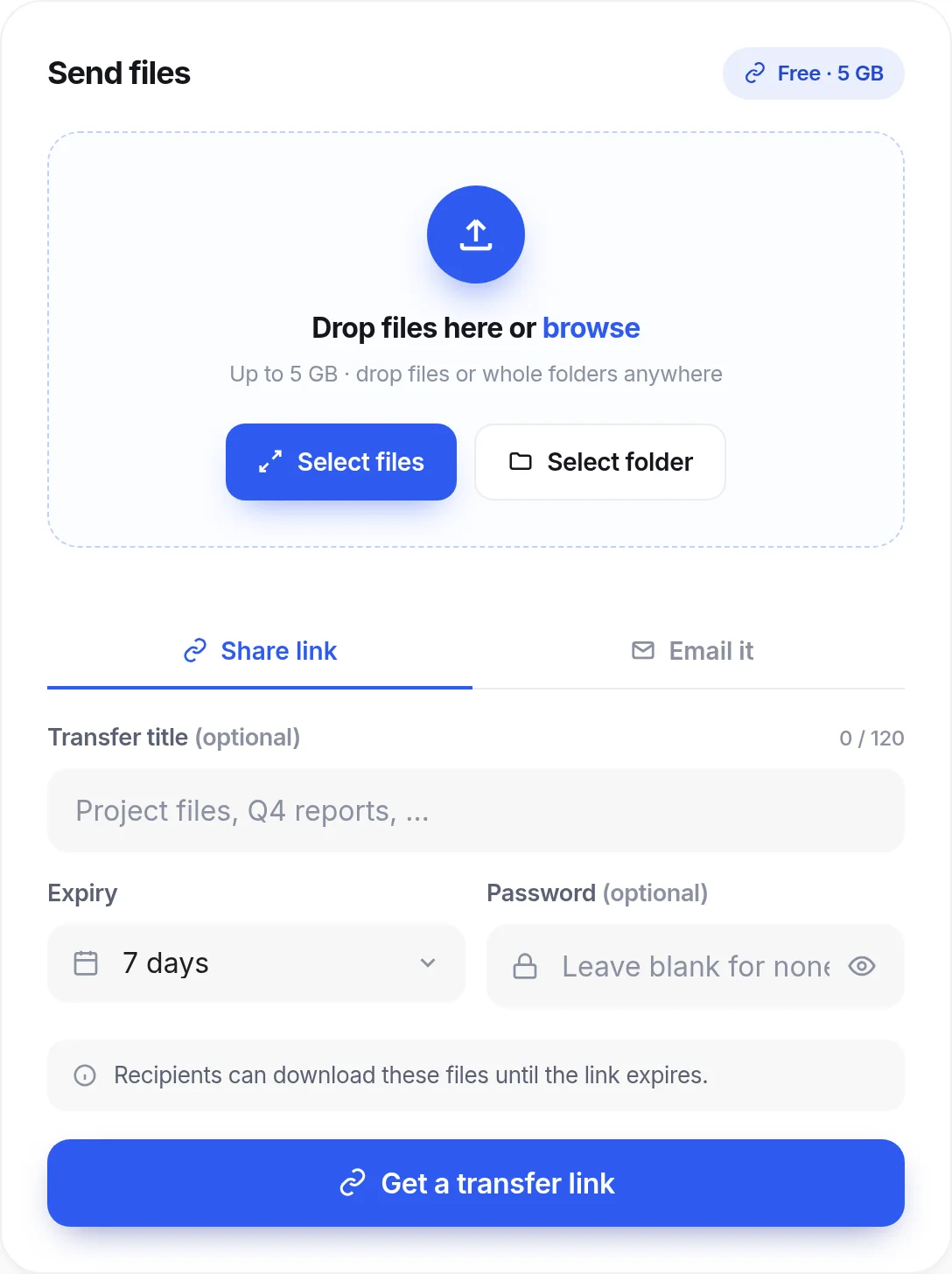
Big files, handled in one step.
- Up to 5 GB, free. Send up to 5 GB with no account. Drop files, or whole folders, anywhere on the page.
- No signup to send. Open the page and send. The people you send to download without an account, too.
- Encrypted. Files travel over HTTPS and are stored encrypted at rest. They are not end-to-end encrypted: DocFila servers can read a transfer.
- Password and expiry. Add a password if you want one, and choose when the link stops working: up to 7 days without an account, up to 14 with a free account, up to 30 with Pro or Premium.
- Tracked downloads. See when your files are downloaded, instead of wondering whether they arrived.
- More than a link. Inside DocFila a transfer can go on to a signature request, a Vault file or an AI review.
How it works
Add
Drop files or a folder, up to 5 GB.
Protect
Set a password and an expiry date if you want them.
Share
Copy the link, or have it emailed.
Follow
See when the files are downloaded.
Questions
How large can a file be?
You can send up to 5 GB free.
Do I need an account to send large files?
No. Open transfer.docfila.com, add your files and share the link. Recipients do not need an account to download.
How long does the link last?
You choose when you send. Without an account a link can last up to 7 days; with a free DocFila account up to 14 days; with Pro or Premium up to 30. The link stops working when it expires.
Are my files private?
They are encrypted in transit and at rest, and you can add a password. They are not end-to-end encrypted, so DocFila servers can read a transfer; keep that in mind for very sensitive files.
Can I tell whether the files were downloaded?
Yes. DocTransfer tracks downloads.
Works with the rest of DocFila
One account across every product. See all products.
Send your next big file.
transfer.docfila.com